Ed25519 signature verification
Every update manifest is signed. A root verification key embedded in the application validates the signature on download.
Feature · Auto-updates
Small operators rarely run shell commands. Wintertrace's update flow works from inside the admin area on shared hosting — and every release is cryptographically verified before it touches the application.
Five stages between a published release and a running installation. The admin decides at stage three; nothing moves without that.
Daily version check
The application checks once per day for new releases. The check can be disabled in settings.
Admin sees the notification
New versions appear in the admin dashboard with version number and changelog.
Admin decides
Nothing installs automatically. The admin chooses if and when to apply the update.
Click to install
The update is downloaded, verified, and applied. The application enters maintenance mode briefly.
Migrations run
Any database schema changes are applied automatically as part of the install.
Five layers of verification stand between a release and a running installation.
Every update manifest is signed. A root verification key embedded in the application validates the signature on download.
The update server can rotate signing keys without a code update. Compromised keys can be revoked immediately.
The downloaded archive is byte-checked against the signed checksum before installation.
A monotonically increasing version counter prevents older versions from being served as updates.
Neither the transport layer nor the update server can inject a modified update while the embedded root key is safe.
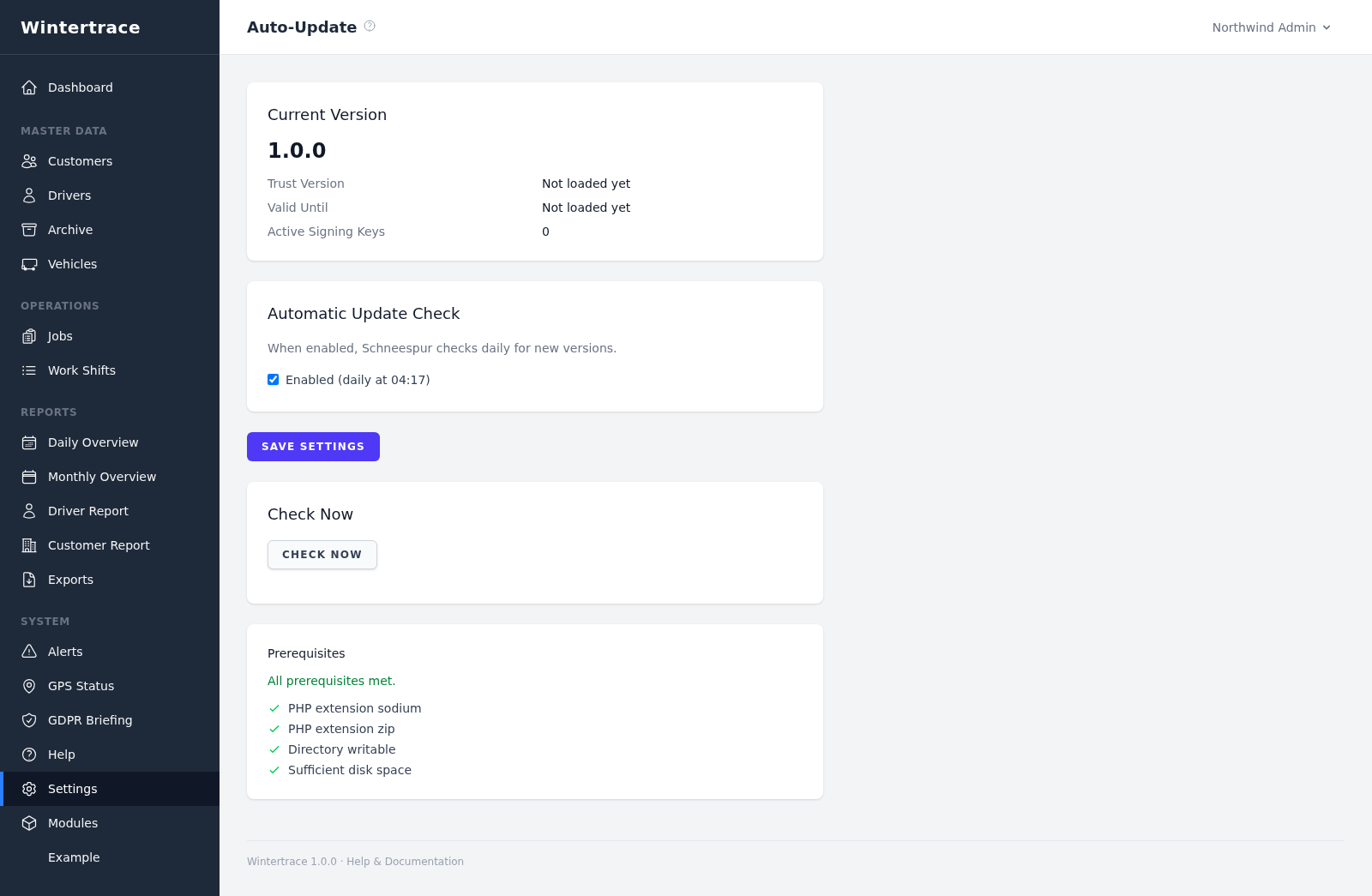
An update that needs a terminal is an update that does not get installed.
A small contractor with no IT department will not run an update that requires SSH access or manual FTP uploads. Updates that require effort do not happen — and skipped updates leave security holes open.
A browser-based update reduces the friction to a single click. It keeps installations current without forcing operators to learn an admin skill they would rather not learn.
Convenience is not automation. Three things stay the admin’s call.
Convenience does not mean automation. The admin decides:
Upload one small file to your web hosting, open it in your browser, and the installer puts the latest signed Wintertrace core on your webspace. About ten minutes — no FTP client needed.
install.php · Ed25519-signed core · GNU AGPLv3
Read the installation guide →Wintertrace is early and shaped by real winter service work. Share your feedback →