It justifies the decision to operate
Why did the truck go out at four in the morning? A weather record from the time of the operation answers that without relying on memory or a printed forecast from the night before.
Weather records for winter maintenance
Wintertrace queries an independent weather provider at the start and end of every operation, archives the raw response, and attaches the record to the locked operation row. The result is a weather record that does not depend on the operator memory and cannot be edited away without leaving traces.
Winter service exists because the weather changed. Almost every question that arrives after an incident comes back to that change: was it cold enough to require de-icing, did precipitation accumulate, did temperatures cross zero overnight, did the conditions justify the choice the operator made.
Without a contemporaneous weather record, the operator is in the position of arguing weather conditions from memory. With one — and especially with one from an independent provider — the conditions are part of the record, alongside the GPS track and the photos, and the question becomes much narrower.
Why did the truck go out at four in the morning? A weather record from the time of the operation answers that without relying on memory or a printed forecast from the night before.
Temperature, precipitation, and snow depth shape the choice of treatment — salt versus brine, plowing versus de-icing. The record explains the choice without the operator having to argue it.
A weather provider is a third party. The numbers cannot be patched after the fact in the operator system without leaving the original API response in place.
A reviewer asking why a service was performed (or skipped) gets a structured answer with timestamps, source, and the exact values returned by the provider.
Four mechanics, deliberately boring. The point is reliability, not cleverness.
Wintertrace queries the weather provider at the start of the operation and again at the end. Both records attach to the operation in the database, with the time of each call.
Not just the formatted numbers. The provider response is kept in its original form alongside the operation. Anyone reviewing the record can trace the values back to the source call.
The weather record is queried for the customer site coordinates. The temperature at the operator office or the highway in between is irrelevant; the record reflects the property the operator actually serviced.
If the provider is briefly unreachable, the fetch is retried on a backoff schedule. A persistent failure is logged against the operation rather than silently dropped.
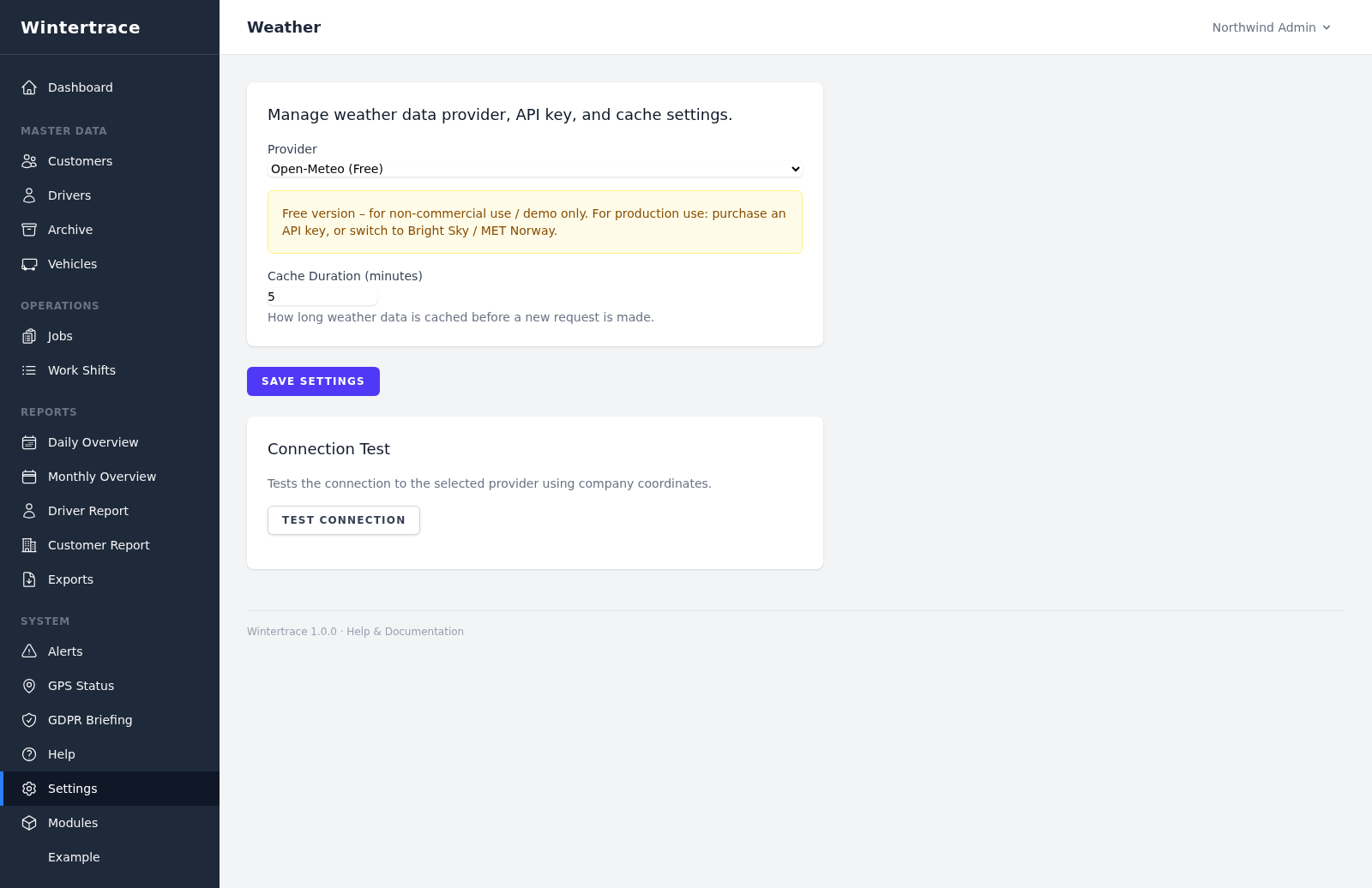
The default works worldwide. Regional providers are available where an operator wants their records to reference a specific national source.
Open-Meteo Free
WorldwideThe default provider. No API key required. Free for non-commercial and small commercial use, with reasonable rate limits for typical operator volumes.
Open-Meteo Commercial
WorldwideThe paid tier of Open-Meteo, for operators with higher volumes or commercial SLA requirements. Same data, different terms.
Bright Sky (DWD)
GermanyA free API on top of the Deutscher Wetterdienst (DWD) Open Data. Useful for operators who want their records to reference the German national weather service directly.
MET Norway
Norway, Nordics, wider EuropeThe Norwegian Meteorological Institute provides a free API. Useful for operators in Norway and the surrounding region.
Additional regional providers can be added by extending the application — the provider integration is an open module, not a gated feature.
The fields that show up in the PDF and the database. Exact availability depends on the provider, and the raw response is archived for anything outside this list.
If the operator enters the weather by hand, the record reflects what the operator wrote. If the weather is fetched from an independent provider, the record reflects what that provider reported at the time of the call. The second is easier to defend in a dispute.
Providers can be wrong. The honest property the record offers is traceability — what the provider returned, at what time, for which coordinates. A reviewer can compare the record against other sources and form their own view.
The fetched record is locked to the operation. Manual notes can be added separately, but they do not overwrite the provider response. The audit log records any annotations.
Modern providers interpolate values for the requested coordinates. The resolution varies by provider and region. Wintertrace stores the raw response so a reviewer can judge the interpolation if needed.
The provider is configured per Wintertrace installation. Operators can select Open-Meteo as a default, or a country-specific provider where one exists. Switching providers does not change historical records, which keep their original source attribution.
No. Wintertrace records what a provider reports for a specific time and place. It does not generate forecasts of its own. Forecasts as inputs to operational decisions remain the operator responsibility.
They are tied to the operation and follow the same retention policy. The data protection tools let operators configure retention per data type and anonymise records past their retention window.
Note: Weather records are independent third-party observations attached to operator documentation. They are not a legal opinion and do not assess regulatory fit. Wintertrace provides documentation support and is not a substitute for legal advice.
Source code on GitHub. Free under GNU AGPLv3.
Upload one small file to your web hosting, open it in your browser, and the installer puts the latest signed Wintertrace core on your webspace. About ten minutes — no FTP client needed.
install.php · Ed25519-signed core · GNU AGPLv3
Read the installation guide →Wintertrace is early and shaped by real winter service work. Share your feedback →