Open-source GPS app on the driver phone
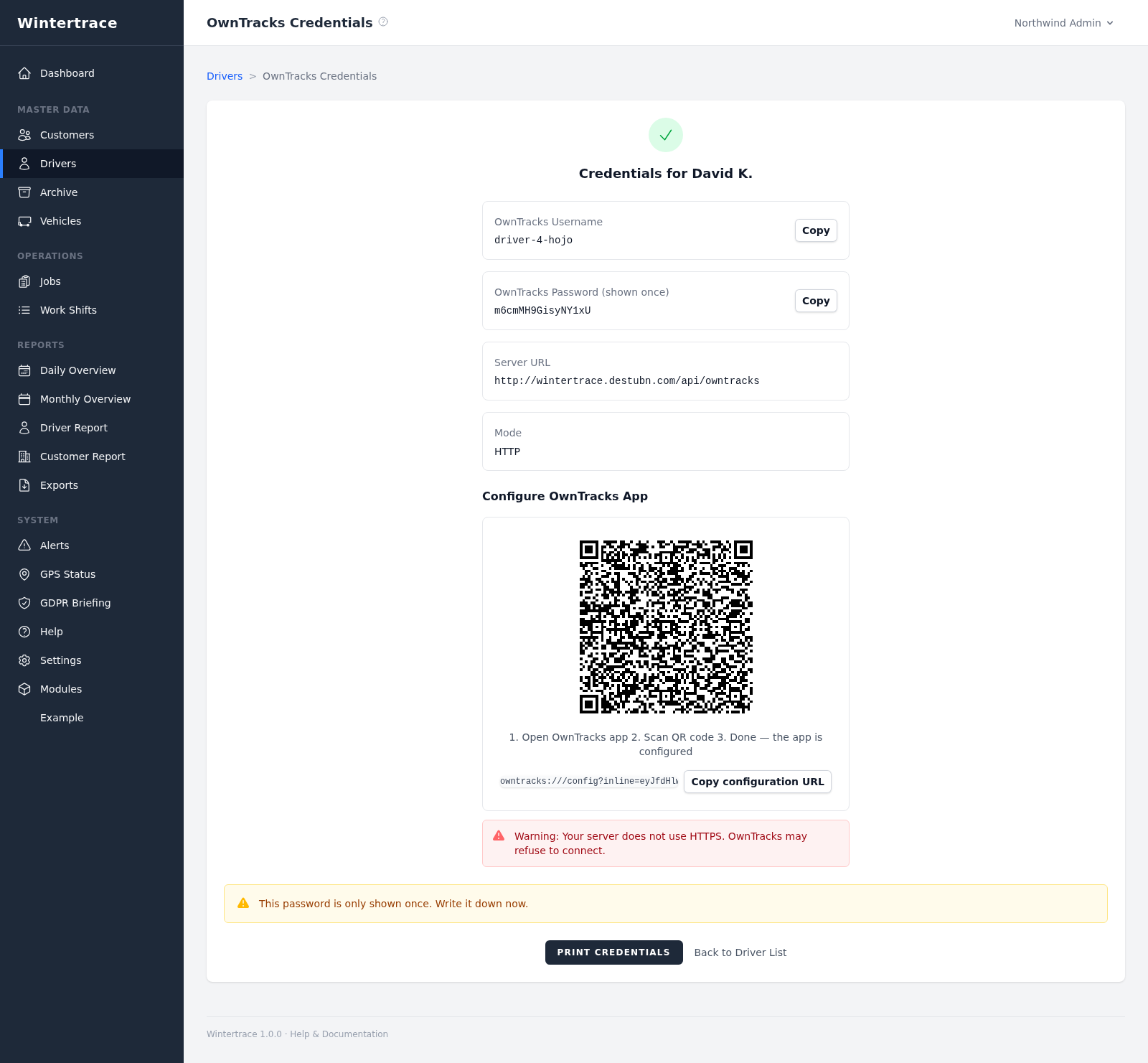
OwnTracks is a free, open-source location app for iOS and Android. It replaces the proprietary GPS dongle that older industry software requires.
GPS tracking for snow removal
Wintertrace tracks snow removal operations with GPS data that comes directly from the driver phone to your own server. No proprietary dongle, no third-party cloud, no shared infrastructure with another operator. The location data is yours from the moment it leaves the phone.
When a property owner or insurer asks whether a route was actually serviced on a given night, a printed schedule is not evidence. A handwritten log is better, but it depends on the person who wrote it. What stands up is data from the time the work happened, recorded by a device that was on the truck.
The classical answer is a dedicated GPS dongle: a piece of hardware glued to the dashboard, leased from a vendor, tied to a per-vehicle subscription, and feeding data into the vendor's cloud. For some operators that trade is fine. For others — smaller fleets, operators who already run their own website on shared hosting, anyone who has read the fine print of a vendor contract — it is the wrong shape.
The five mechanics underneath. Each is verifiable in the source code, not promised on a marketing page.
OwnTracks is a free, open-source location app for iOS and Android. It replaces the proprietary GPS dongle that older industry software requires.
Position fixes are sent over HTTPS straight from the OwnTracks app to your Wintertrace installation. No third-party cloud sits in the middle, no provider keeps a copy.
Wintertrace ignores location data that arrives outside an active shift and operation. The driver phone reports continuously; only operation windows are kept.
Once an operation is closed, its GPS track becomes read-only. No edit interface, no later patching — the audit log records who closed it and when.
The track is drawn into the PDF service proof as a vector path, not a raster screenshot. It scales without quality loss and the underlying coordinate data stays in the database.
OwnTracks reports more than a coordinate pair. Wintertrace keeps the full set of fields so that a later reviewer has the same information the driver phone had at the time.
The data lives in a plain MySQL or MariaDB schema. A database dump contains every fix and every operation — no proprietary export format, no vendor cooperation required.
A typical SaaS path looks like this: phone → vendor cloud → operator dashboard. There is at least one intermediate copy of every fix, held by a company the operator did not hire and cannot audit. If that company changes its terms, raises its price, gets acquired, or simply stops responding, the operator's location data sits where the operator cannot reach it.
The Wintertrace path is: phone → your server. That is it. The OwnTracks app authenticates to a Wintertrace endpoint that the operator controls, on a hosting plan that the operator pays for and can move at any time. The same MySQL database that holds customer records and PDFs also holds the GPS fixes. Backup, export, and migration are one command.
This is not a claim about regulatory compliance with any particular jurisdiction. It is a description of where the data physically goes. What that means in legal terms is a matter for the operator and their adviser.
No. OwnTracks runs on the driver smartphone — iOS or Android. There is no proprietary hardware to buy, lease, or maintain.
On the same server that runs Wintertrace. There is no third-party cloud relay and no copy held by another provider.
No. After the operation is closed, the track becomes read-only. Any change is blocked by the application logic, and the audit log records every state transition.
OwnTracks queues fixes locally and transmits them when connectivity returns. Gaps in the track reflect real signal loss, not silent data dropping.
The supported source is OwnTracks. Custom integrations are possible because the database schema is open, but proprietary dongles are not the default path.
Modern phones report accuracy in metres per fix. For documentation of which streets were serviced, this is well inside the resolution required. The accuracy value is stored per fix so a reviewer can judge it directly.
Yes. The app is published under an open-source licence. Operators or auditors who want to verify what it does can read the source.
Note: Wintertrace records and stores GPS data for operator-controlled documentation. It does not assess regulatory fit with any specific jurisdiction and is not a substitute for legal advice.
Source code on GitHub. Free under GNU AGPLv3.
Upload one small file to your web hosting, open it in your browser, and the installer puts the latest signed Wintertrace core on your webspace. About ten minutes — no FTP client needed.
install.php · Ed25519-signed core · GNU AGPLv3
Read the installation guide →Wintertrace is early and shaped by real winter service work. Share your feedback →