Live demo
Your own Wintertrace installation, from one email address
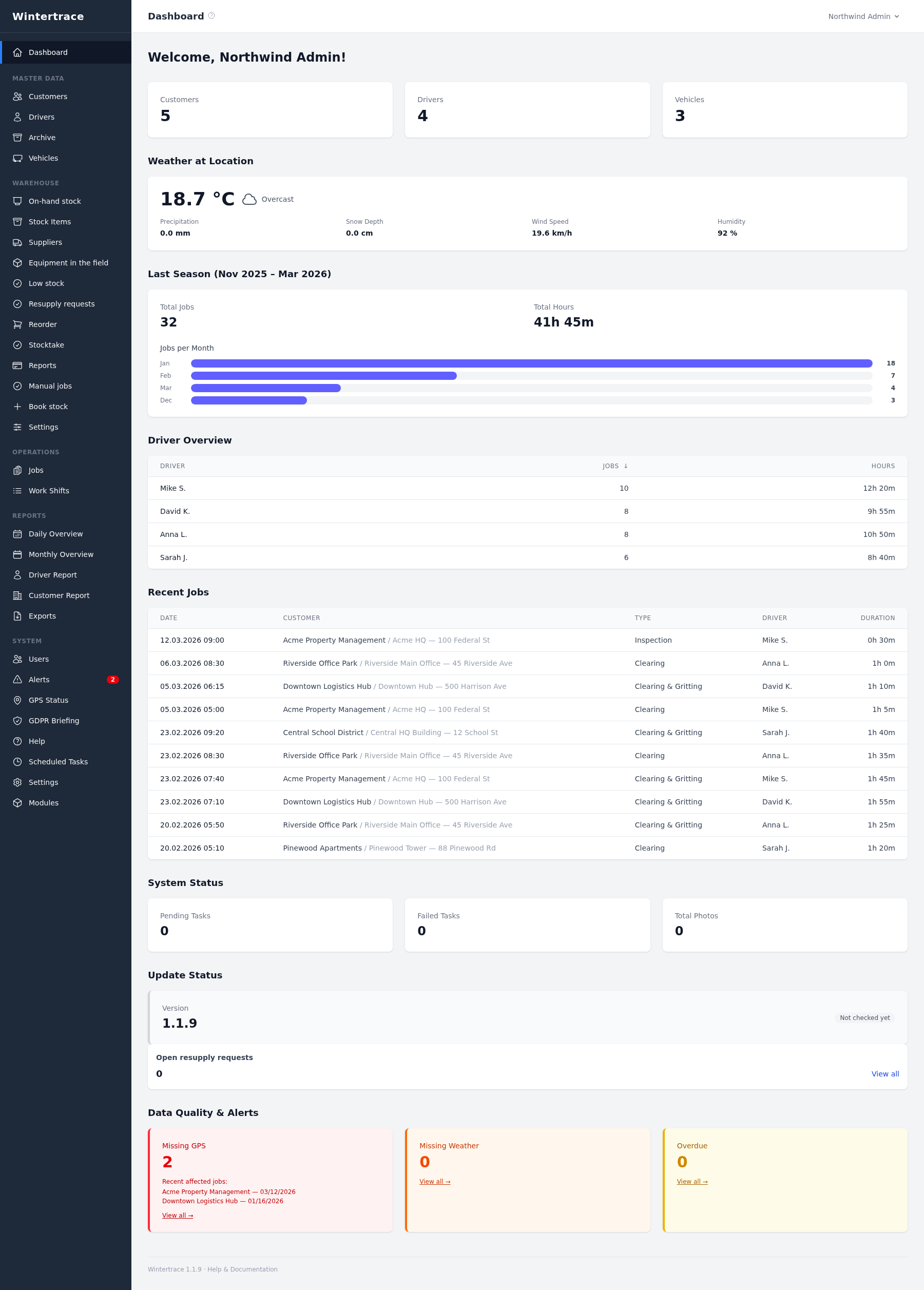
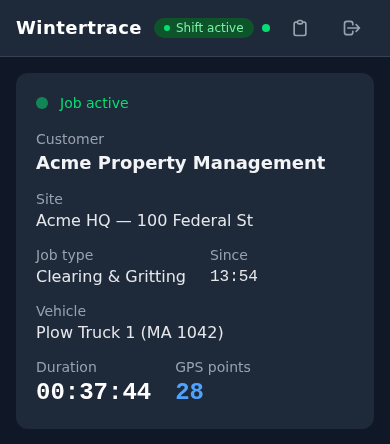
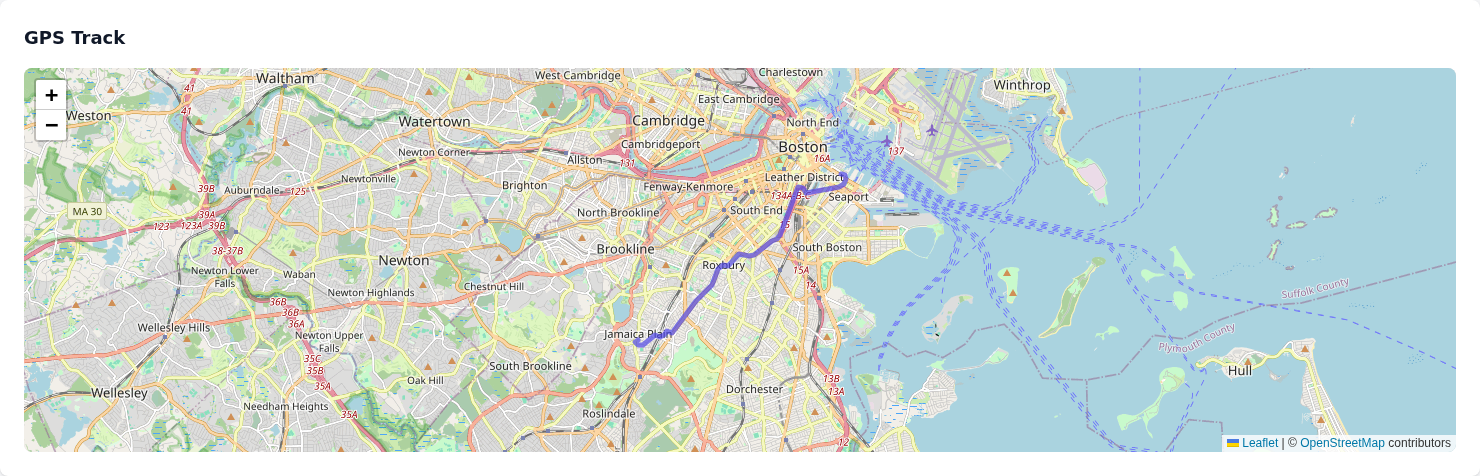
Winter service is demanding enough: early starts, cold, long shifts. See for yourself, at your own pace, how your winter service could be organised digitally — with a demo that belongs only to you.
No appointment. No sales call. No shared demo. You automatically get your own Wintertrace instance and try every feature and module free for 48 hours.
Curious how a free, self-deleting demo works for open-source software — and why it exists? Read the story behind it.
How it works
Five steps, two of them yours. Nothing is built before you have clicked the link in the confirmation email.
- 1
Fill in the form
Name, email, consent.
- 2
Confirm your email
Nothing is built until you click the link.
- 3
Your demo is created
Its own isolated installation, in a few minutes.
- 4
Sign in and get going
Address and login arrive by email.
- 5
48 hours, at your pace
Every feature and module. Then it deletes itself.
Good to know
The concrete shape of a demo, before you decide whether to ask for one.
- Demo address
- frosty-fox-2ba.demo.plowdispatch.comGenerated per request — two words and three characters.
- Web inbox
- frosty-fox-2ba-mail.demo.plowdispatch.comEverything the demo sends lands there in your browser. Nothing reaches real recipients.
- Valid for
- 48 hoursThen the demo and every record in it are deleted automatically. Built for trying things out, not for real data.
- Reminders
- 24 h after start · 2 h before it endsTwo emails, so the end never arrives unannounced.
- New demo per address
- every 30 daysOne demo per email address within that window.
Request your demo
Name and email address. The email is your login for the demo and the address the confirmation link goes to.
Request received
- Confirmation sent to
- From
- demo@noschmarrn.dev
- Arrives
- Right away
If it is not there in a few minutes, check the spam folder. Confirming does not sign you up for anything else — no newsletter, no account beyond the demo.