Day view
All operations of one day on a map and in a list, filterable by driver and by customer.
Feature · Analytics
The dashboard exists to help operators see what happened — what was done, when, by whom, for which customer. There is no scoring, no leaderboard, and no gamification.
Same data, four useful slices.
All operations of one day on a map and in a list, filterable by driver and by customer.
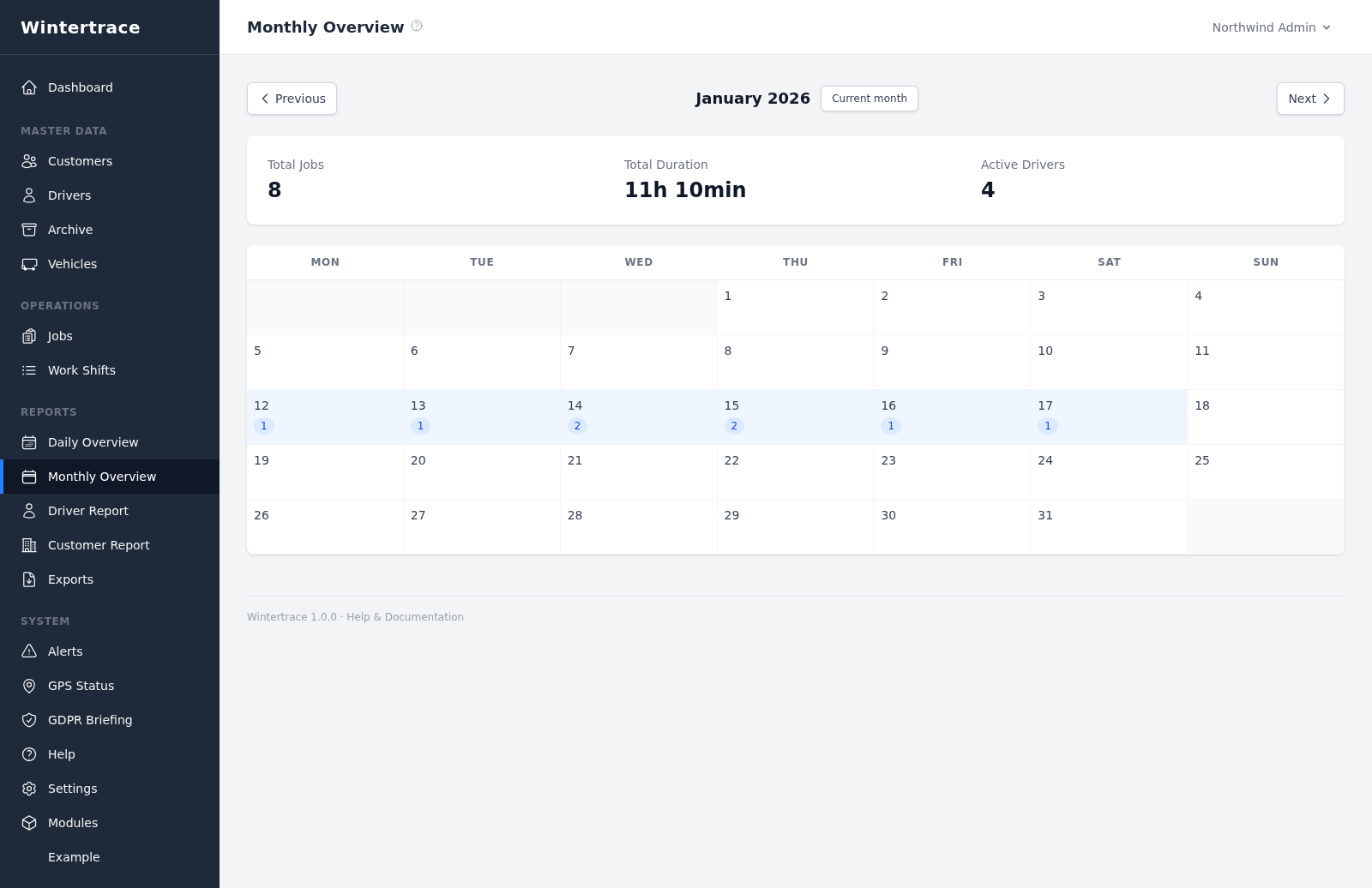
Summary of every operation in a month, grouped by date.
Operation count, working hours, customers served, and operation-type distribution per driver.
Operation frequency, total duration, and operation-type distribution per customer.
The system flags three things automatically. Each alert can be acknowledged with an optional comment.
Non-manual operations with no GPS points.
Operations whose weather fetch failed at start or end.
Operations that ran longer than a configured threshold (default: 4 hours).
The dashboard also shows the cron heartbeat — whether the scheduled background tasks have been running. A silent cron is one of the most common operational issues; surfacing it makes it visible.
The absences here are decisions, not gaps in the feature set.
Some software in this category tries to score employees — operations per hour, on-time percentage, peer rankings. Wintertrace does not. Drivers work in storms at four in the morning; turning that into a score is the wrong frame.
Upload one small file to your web hosting, open it in your browser, and the installer puts the latest signed Wintertrace core on your webspace. About ten minutes — no FTP client needed.
install.php · Ed25519-signed core · GNU AGPLv3
Read the installation guide →Wintertrace is early and shaped by real winter service work. Share your feedback →