Dashboard
Season overview: total operations, hours, last service date, and a list of all serviced locations.
Feature · Customer portal
Property managers and other clients can log in to see their operations themselves — what was done, when, in what conditions. They never see other customers' data and never see internal admin functions.
Six functions, scoped strictly to the customer’s own data.
Season overview: total operations, hours, last service date, and a list of all serviced locations.
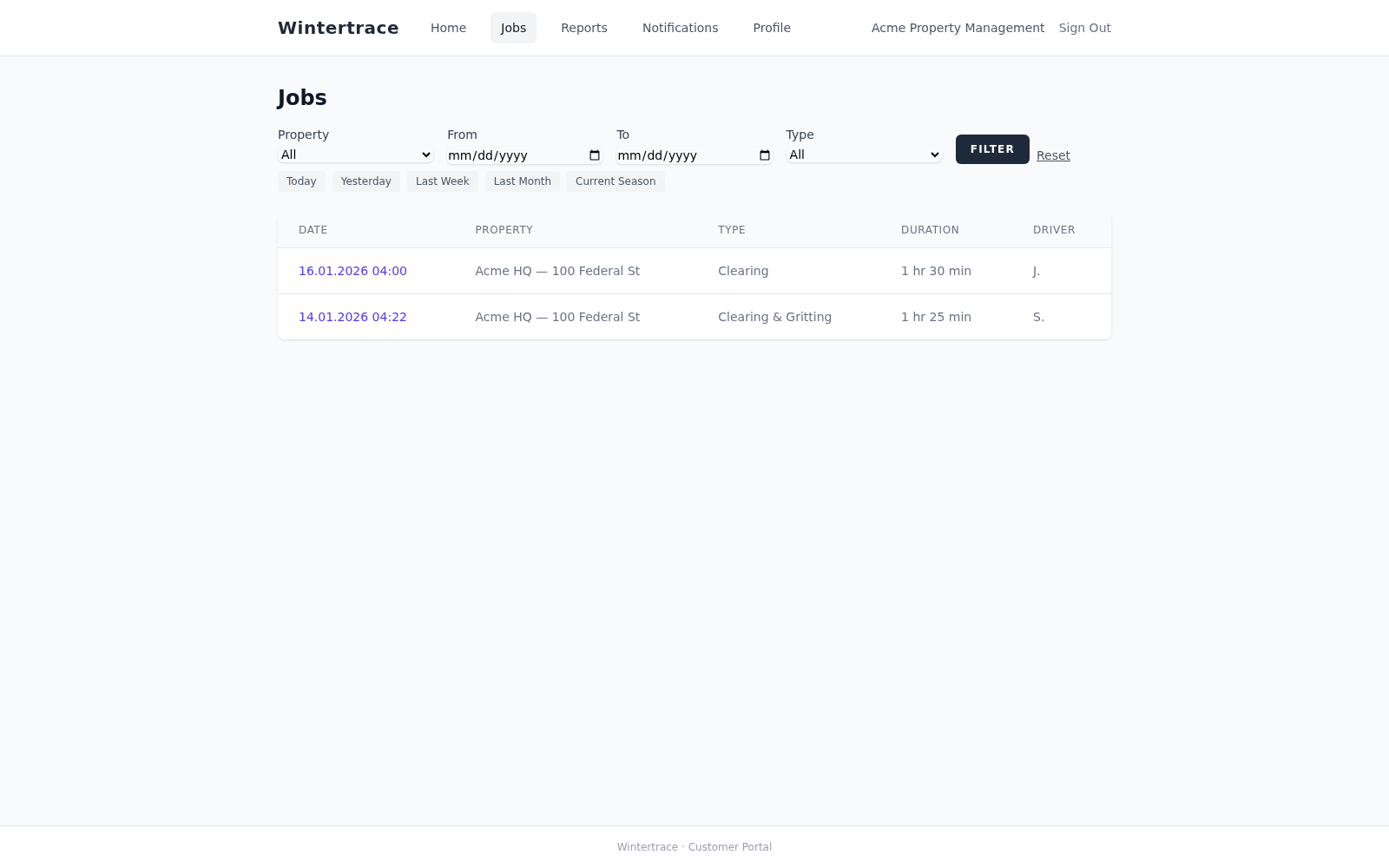
Filterable by location, time range, and operation type.
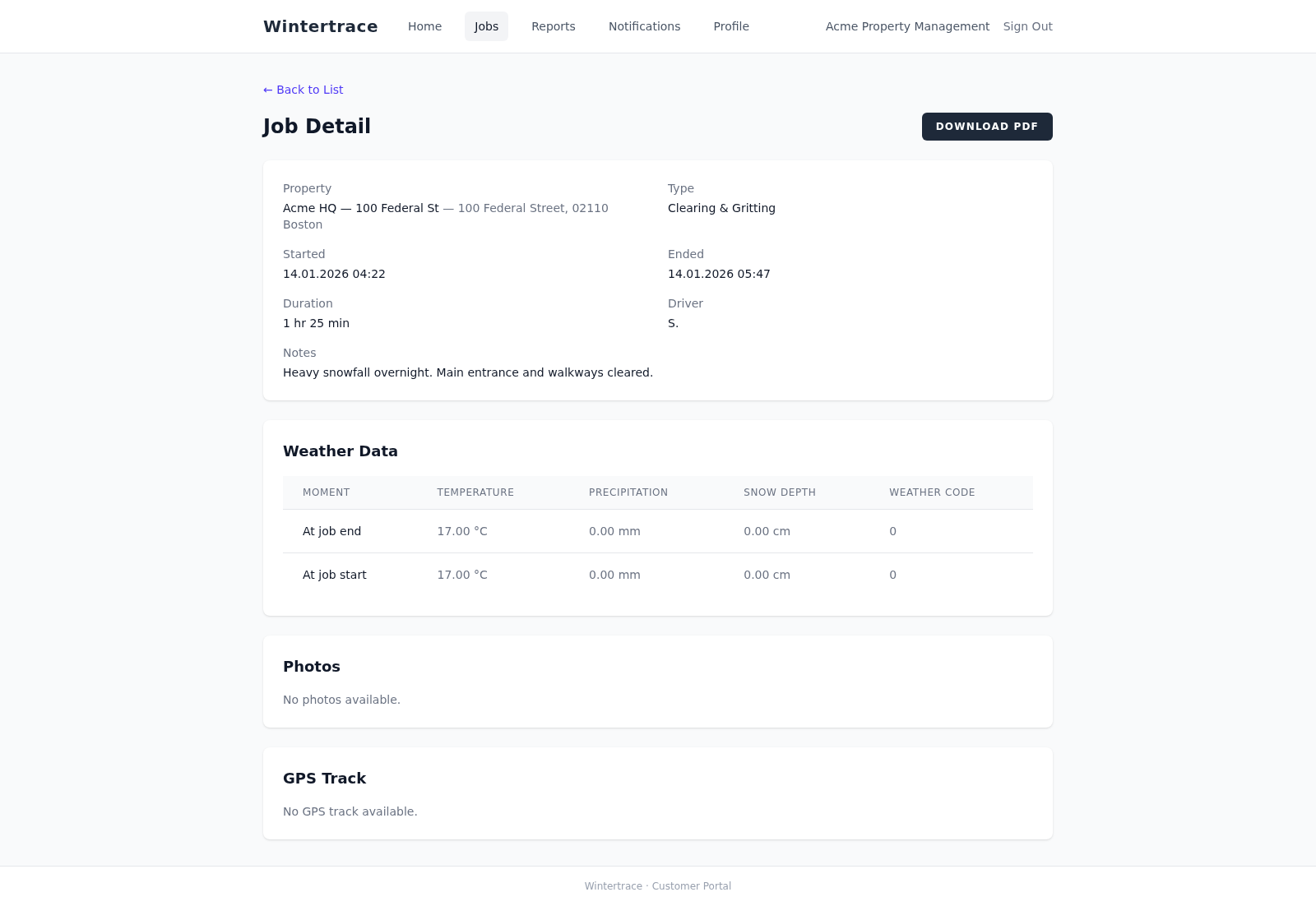
Date, duration, weather data, and — if the operator allows — GPS track and photos.
Generate summary PDFs for any time range and any subset of locations directly from the portal.
A record of every email notification sent for the customer's operations.
Each customer manages their own email, language, and password.
Three toggles, configured per customer.
Whether the GPS map appears in the operation detail view.
Whether driver photos appear in the operation detail view.
Whether the assigned driver name is exposed to the customer.
Defaults are conservative: GPS track and driver name are off by default and have to be explicitly enabled per customer.
How a client gets in, and how the operator takes that access away again.
The operator generates portal credentials for a customer; an email with login details is sent automatically. Access can be revoked at any time. Passwords can be reset by the customer through the portal.
The portal interface is available in English and German and follows the language preference each customer sets on their profile.
Customer logins never have access to driver-level data, admin settings, or other customers' operations.
Upload one small file to your web hosting, open it in your browser, and the installer puts the latest signed Wintertrace core on your webspace. About ten minutes — no FTP client needed.
install.php · Ed25519-signed core · GNU AGPLv3
Read the installation guide →Wintertrace is early and shaped by real winter service work. Share your feedback →